


Picture preview
To facilitate your access to our website, we invite you to bookmark eprolo.com
Or Use Ctrl + D to add

{{subItem.title}}
{{subItem.variantTitle}}
USD {{subItem.cost | price_fixed}}
× {{subItem.quantity}}



By clicking Sign up you agree to EPOLO's
Terms & Conditions
and Privacy Policy .
New to EPROLO? Sign Up
Already have an account? Login










Our App has not yet been launched on the Shopify app store.
Please click the link below and follow the instructions in the article to connect your store to EPROLO.
It only takes 1 minute to connect to your store.
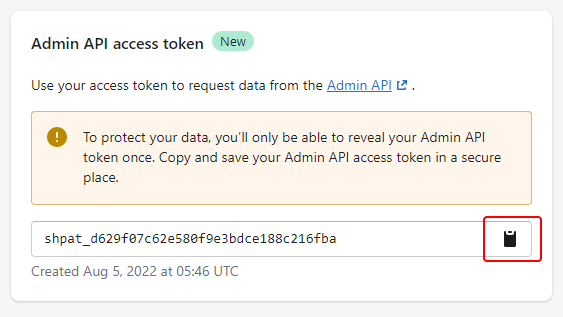
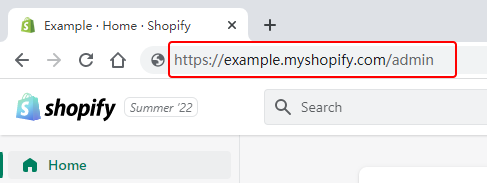
How to build a custom app in your Shopify store and get the API token?
The access authorization is the same as when installing an App at the Shopify App Store.
The following API access scopes were detected missing, This will cause products and orders to be out of sync.
Please modify the API access scopes in your store
1、login on ShipStation
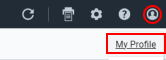
2、click on ther supper right corner
 > My Profile
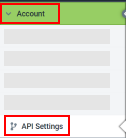
3、Accoun > API Settings
Copy API Key and API Secret

Click to enlarge
Click to enlarge
Click to enlarge
Click to enlarge
Custom Scotch Tape
Custom Gift Card
Custom Packing Bag
Custom Label
Custom Hangtag

This program is open to clothing store owners at this stage.
More other categories are coming soon. Stay tuned.
Click to enlarge
Click to enlarge
Click to enlarge

Transportation
Free Shipping (shipping from US and ship to the US only)
{{cityCode}} via {{mailingMethod}} ▼
Estimated delivery time: {{mailingMethodTime}}
Please contact our support agent first for bulk order
EPROLO Fulfillment Service
2 hours fast shipping







This product is suitable for EPROLO Branding Program
After purchasing the Plan, you can enjoy customization rights. Your product can be customized for you after paying the fee.
Learn more about EPROLO Branding Program

Free Shipping Shipping Cost from {{item.ratenameEN || 'USD'}} {{(item.templateBean.cost) | price_fixed}}
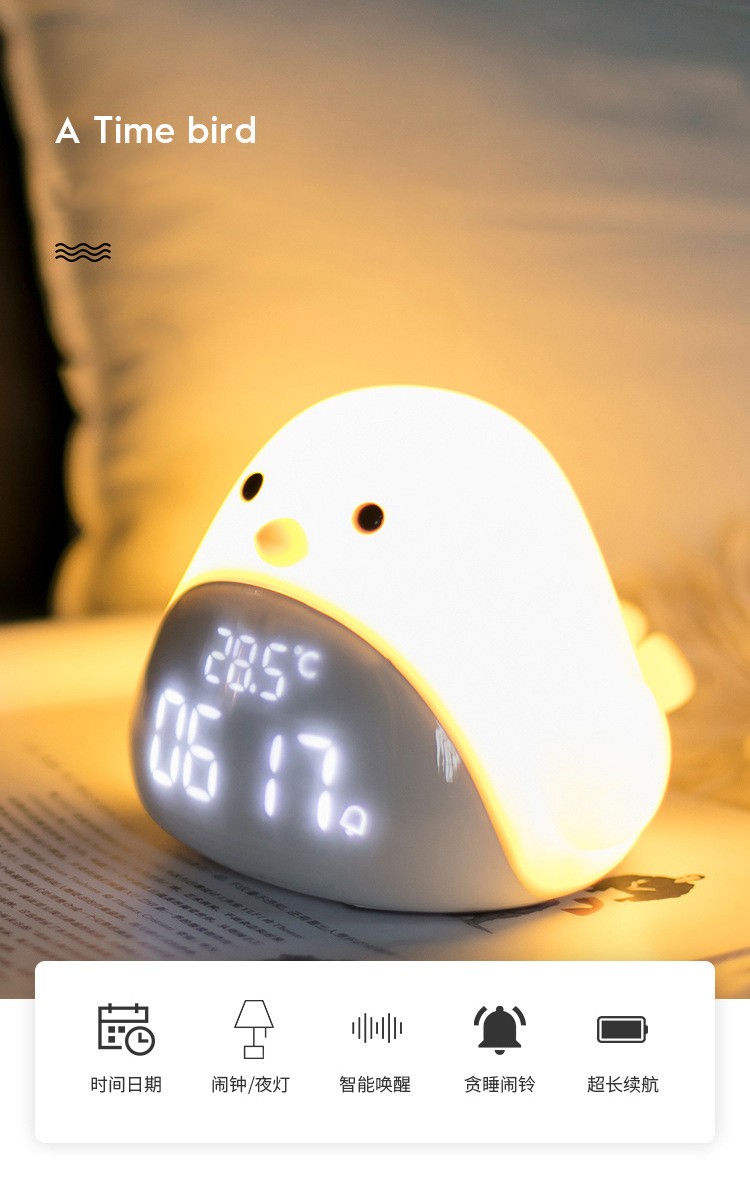
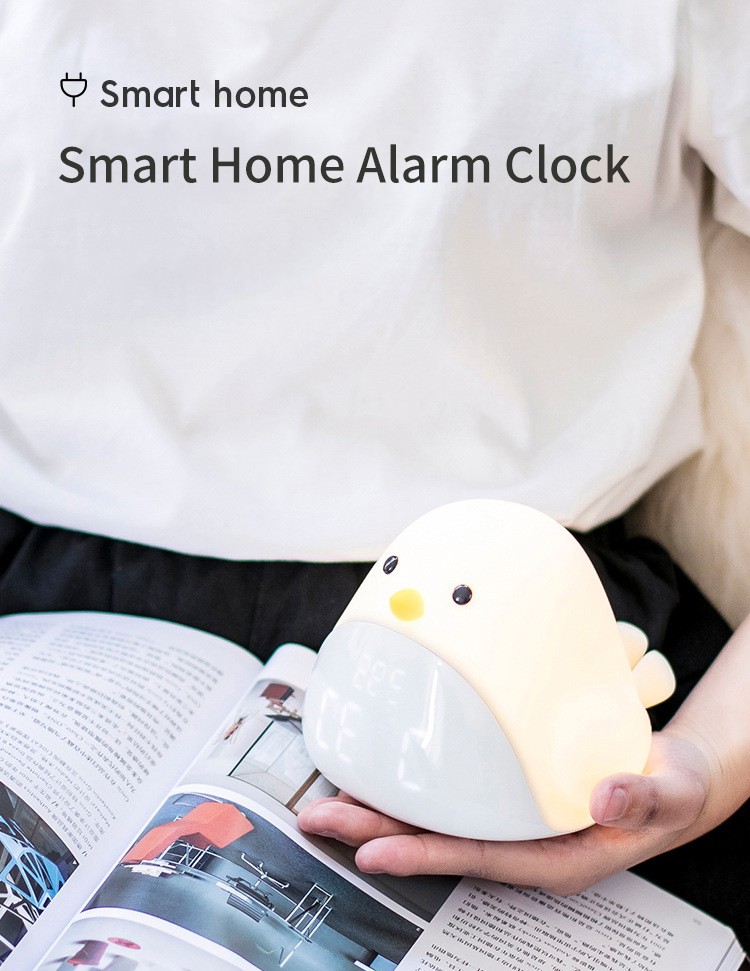
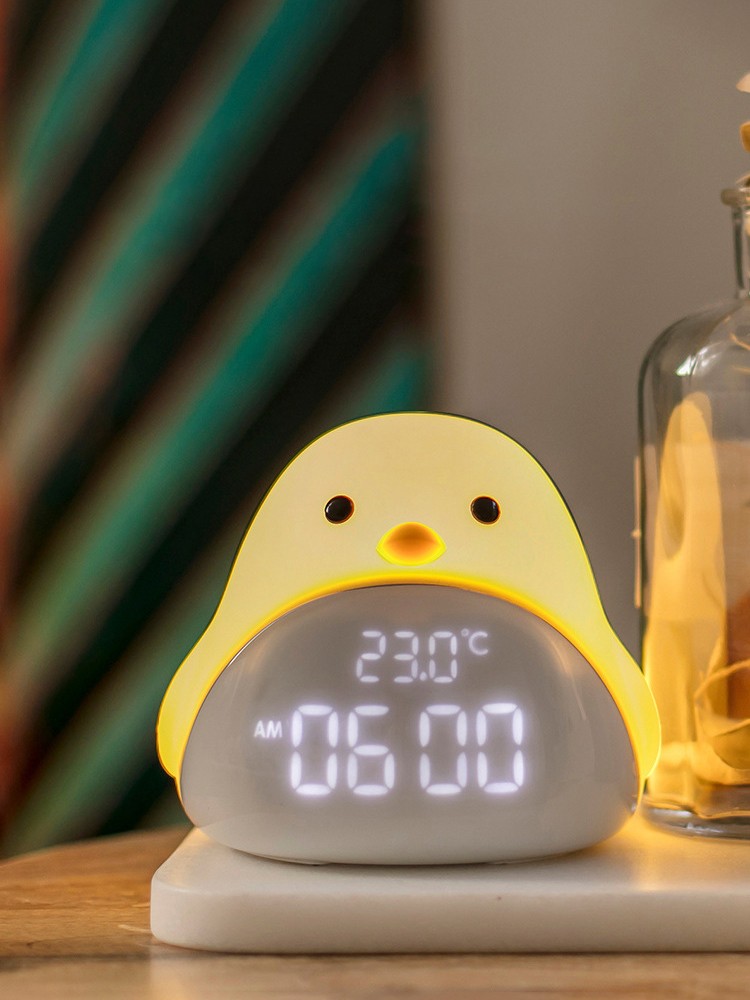
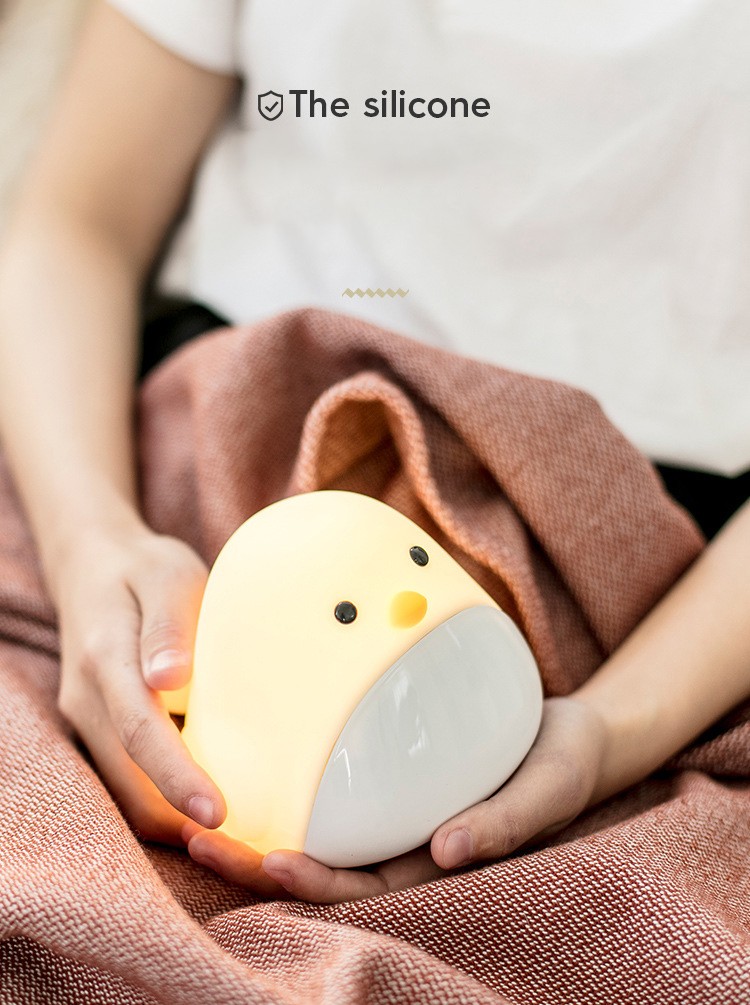
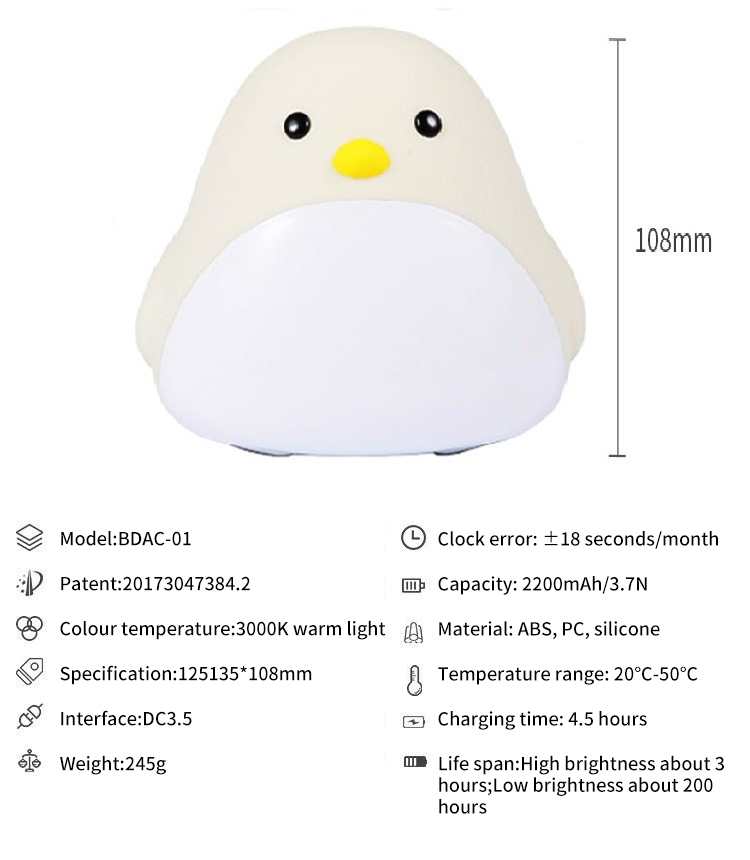
Product material: ABS+PC+silica gel
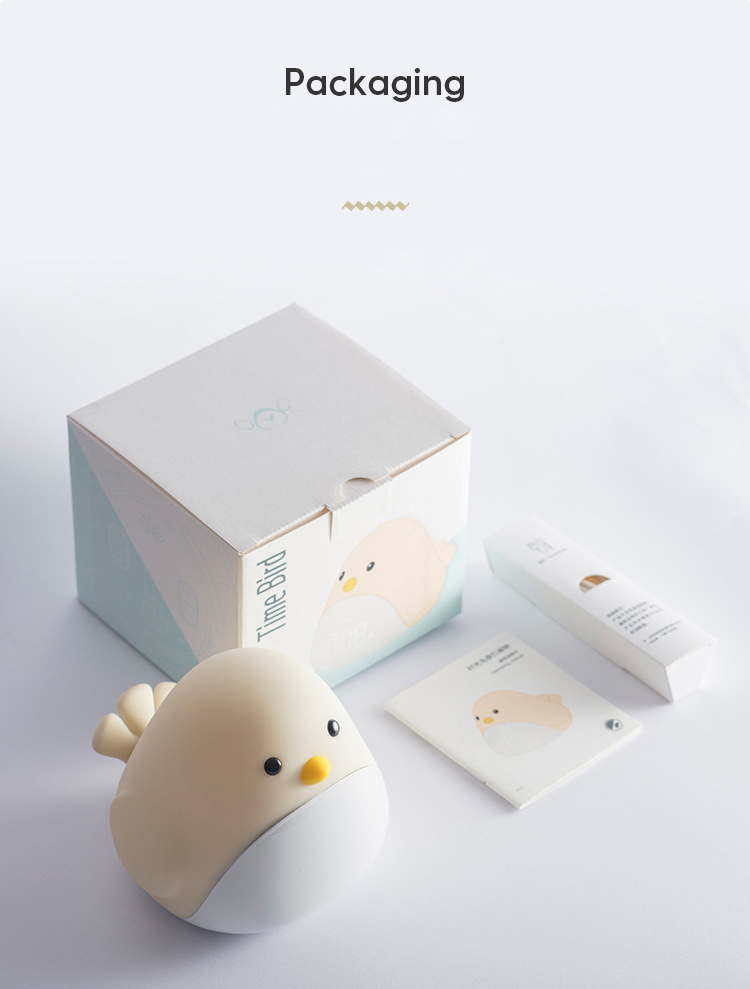
Product standard configuration: alarm clock light × 1+Instructions × 1+SUB cable × one
Clock error: ± 18s/month
Light color temperature: 3000K warm light
Battery capacity: 1200mAh/3.7V
Charging time: about 4.5 hours
Usage time: about 5 hours for high brightness and 100 hours for low brightness
Temperature range: - 20 ° C to 50 ° C
Input voltage: 5V
Interface type: DC3.5
Product size: 125 × one hundred and thirty-five × 108MM
Color box size: 126 × one hundred and thirty-six × 115MM
Instructions
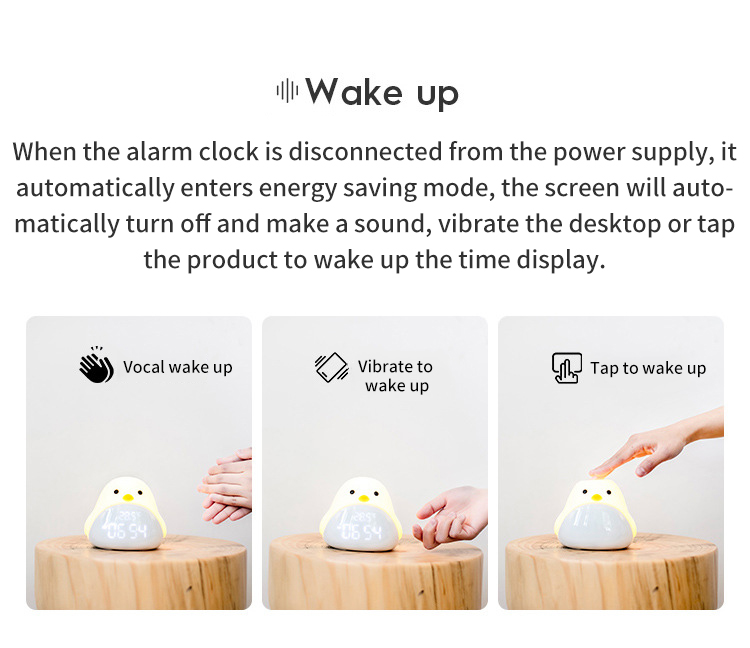
Night light/snooze switch
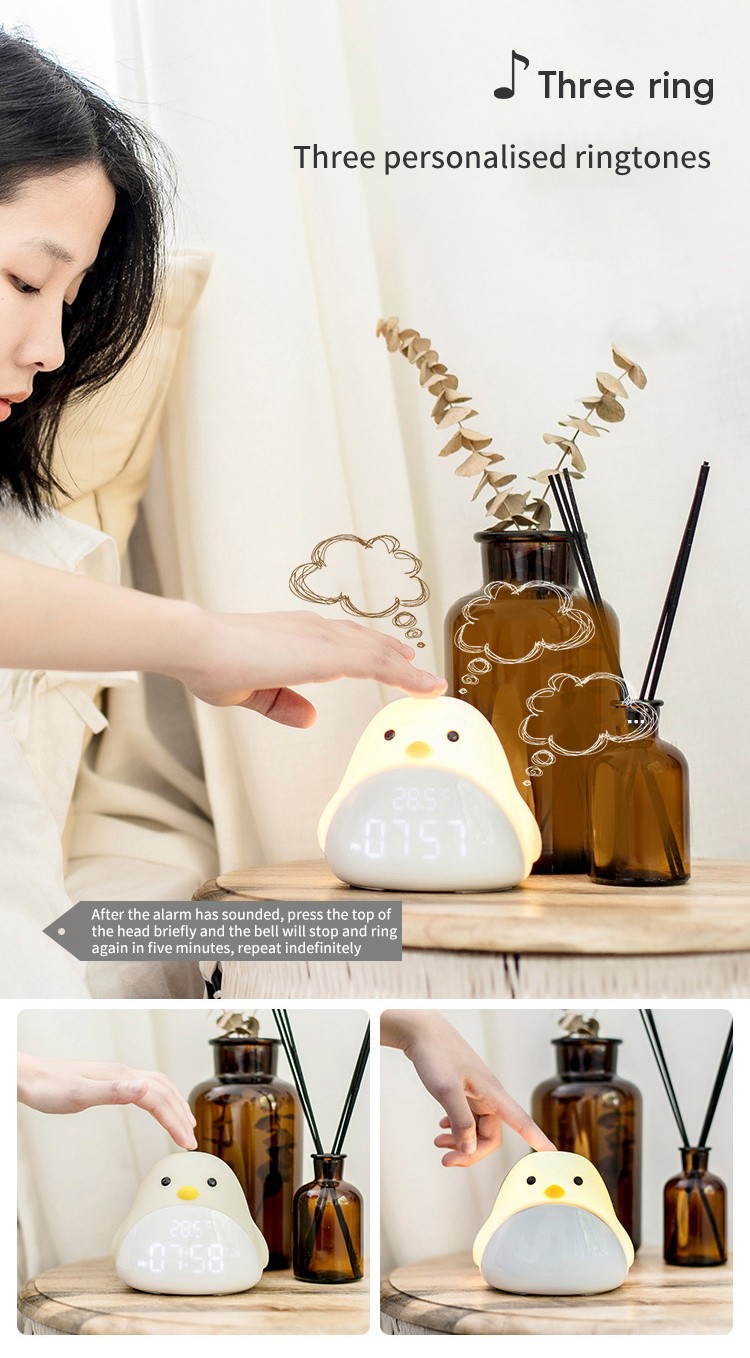
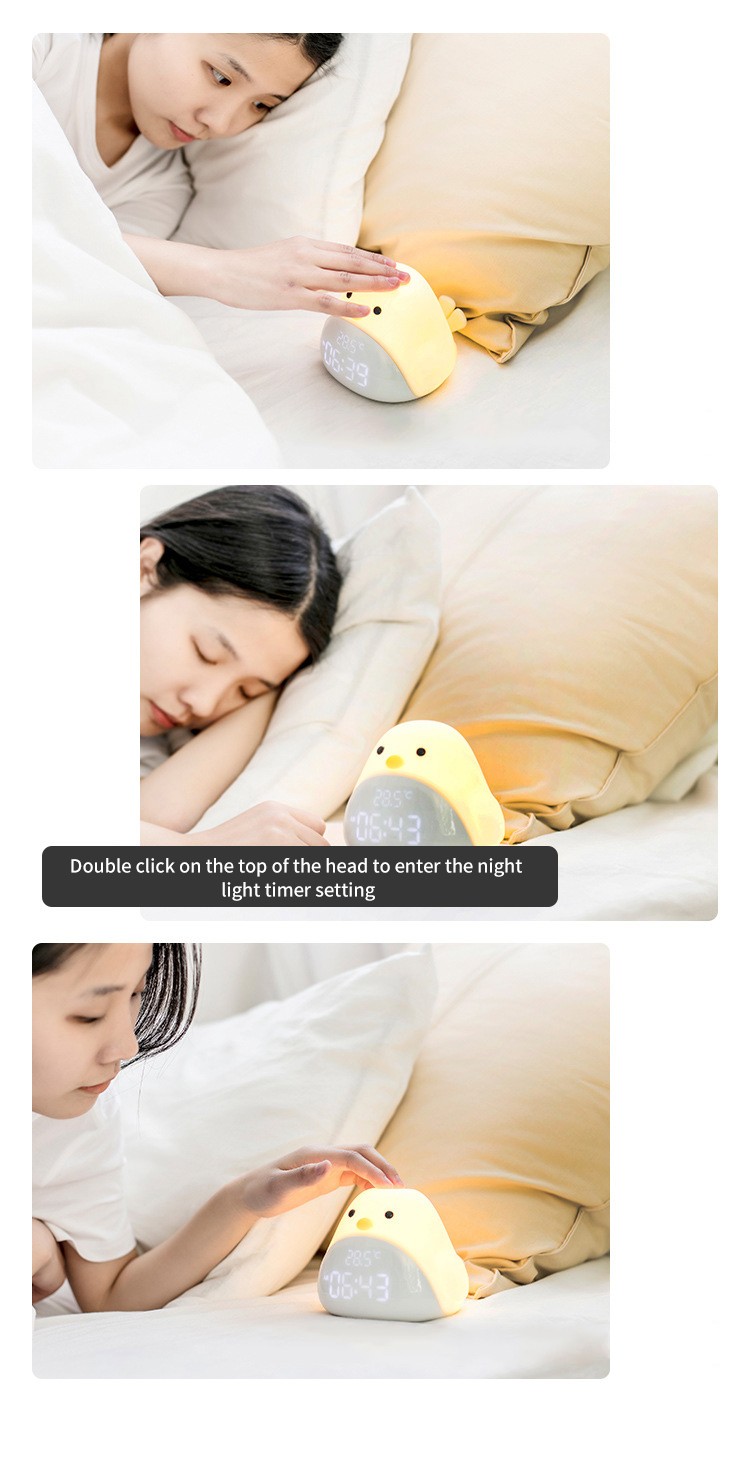
Short press the top of Timebird's head to turn on and off the night light. Double click the top of the head to enter the delayed light off mode. When the alarm rings, briefly press the top of your head to enter the snooze mode.
Delay light off
Double click on the top of Timebird to enter the delayed light off mode. Press [+/-] to select the timing time. The delay range is 5-60 minutes. The time will take effect after 5 seconds are set.
Snooze Mode
After the alarm clock rings, briefly press the top of Timebird's head to enter the snooze mode. After entering the snooze mode, the alarm clock will ring again 5 minutes later, and you can use the snooze mode for an unlimited number of times. Short press [Alarm Setting Key] to turn off the current alarm clock.
Time setting
Long press the [Time Setting Key] for 2 seconds to enter the time setting mode, press [+/-] to switch to the 12/24 hour clock; short press the [Time Setting Key] to set the hour, short press the [Time Setting Key] again to set the minute, and add or subtract the time through [+/-]; Briefly press [Time Setting Key] to enter the year setting, and press [+/-] to add or subtract the year number; Short press the [Time Setting Key] to set the month, short press the setting date again, and [+/-] to add or subtract the month and date; Finally, briefly press the [Time Setting Key] to complete the time setting.
Alarm settings
Long press the [Alarm Setting Key] for 2 seconds to enter the alarm setting mode. First set the hour, then short press to set the minute, and press [+/-] to add or subtract the time; Finally, briefly press [Alarm Setting Key] to complete alarm setting;
Briefly press [Alarm Setting Key] to enter alarm preview mode, press [+/-] to switch between 1-day (single time), 5-day (working day), 6-day (single holiday), 7-day (daily) alarm or turn off the alarm, and briefly press [Alarm Setting Key] again to exit alarm preview mode.


This is the cost to send an individual item and does not include premium or bulk sending options.
You can click the "Check" button to check the true delivery time of this shipping method.
Our App has not yet been launched on the Shopify app store.
Please click the link below and follow the instructions in the article to connect your store to EPROLO.
It only takes 1 minute to connect to your store.
How to build a custom app in your Shopify store and get the API token?
The access authorization is the same as when installing an App at the Shopify App Store.
The following API access scopes were detected missing, This will cause products and orders to be out of sync.
Please modify the API access scopes in your store


