

Picture preview
To facilitate your access to our website, we invite you to bookmark eprolo.com
Or Use Ctrl + D to add

{{subItem.title}}
{{subItem.variantTitle}}
USD {{subItem.cost | price_fixed}}
× {{subItem.quantity}}



By clicking Sign up you agree to EPROLO's
Terms & Conditions
and Privacy Policy .
New to EPROLO? Sign Up
Already have an account? Login










Our App has not yet been launched on the Shopify app store.
Please click the link below and follow the instructions in the article to connect your store to EPROLO.
It only takes 1 minute to connect to your store.
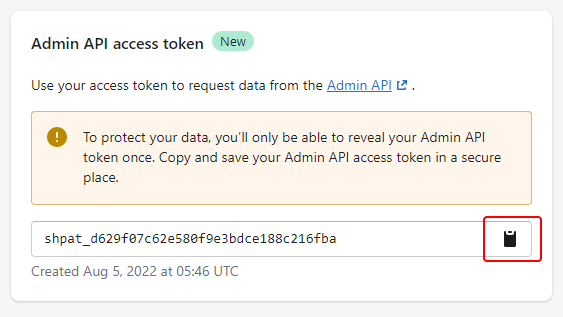
How to build a custom app in your Shopify store and get the API token?
The access authorization is the same as when installing an App at the Shopify App Store.
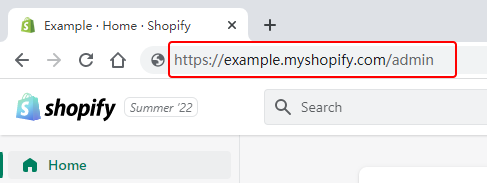
The following API access scopes were detected missing, This will cause products and orders to be out of sync.
Please modify the API access scopes in your store
1、login on ShipStation
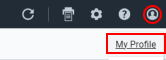
2、click on ther supper right corner
 > My Profile
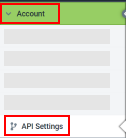
3、Accoun > API Settings
Copy API Key and API Secret

Click to enlarge
Click to enlarge
Click to enlarge
Click to enlarge
Custom Scotch Tape
Custom Gift Card
Custom Packing Bag
Custom Label
Custom Hangtag

This program is open to clothing store owners at this stage.
More other categories are coming soon. Stay tuned.
Click to enlarge
Click to enlarge
Click to enlarge

Transportation
Free Shipping (shipping from US and ship to the US only)
{{cityCode}} via {{mailingMethod}} ▼
Estimated delivery time: {{mailingMethodTime}}
Please contact our support agent first for bulk order
EPROLO Fulfillment Service
2 hours fast shipping







This product is suitable for EPROLO Branding Program
After purchasing the Plan, you can enjoy customization rights. Your product can be customized for you after paying the fee.
Learn more about EPROLO Branding Program

Free Shipping Shipping Cost from {{item.ratenameEN || 'USD'}} {{(item.templateBean.cost) | price_fixed}}
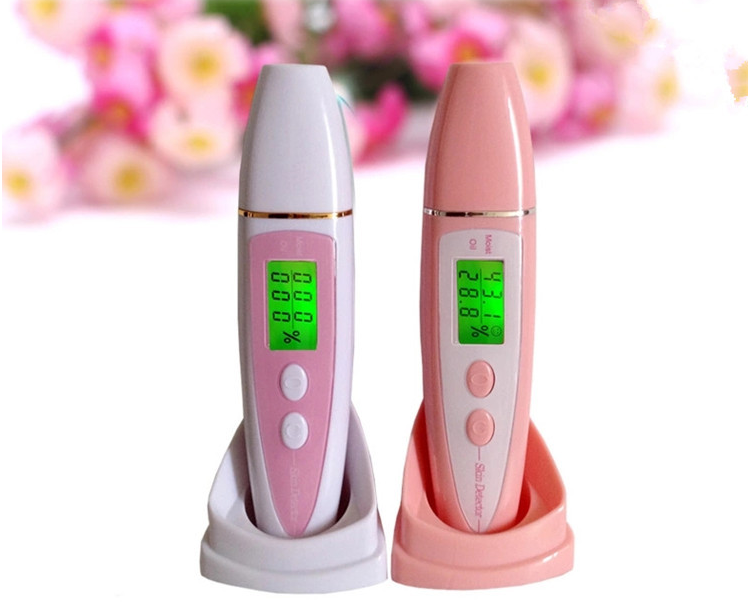
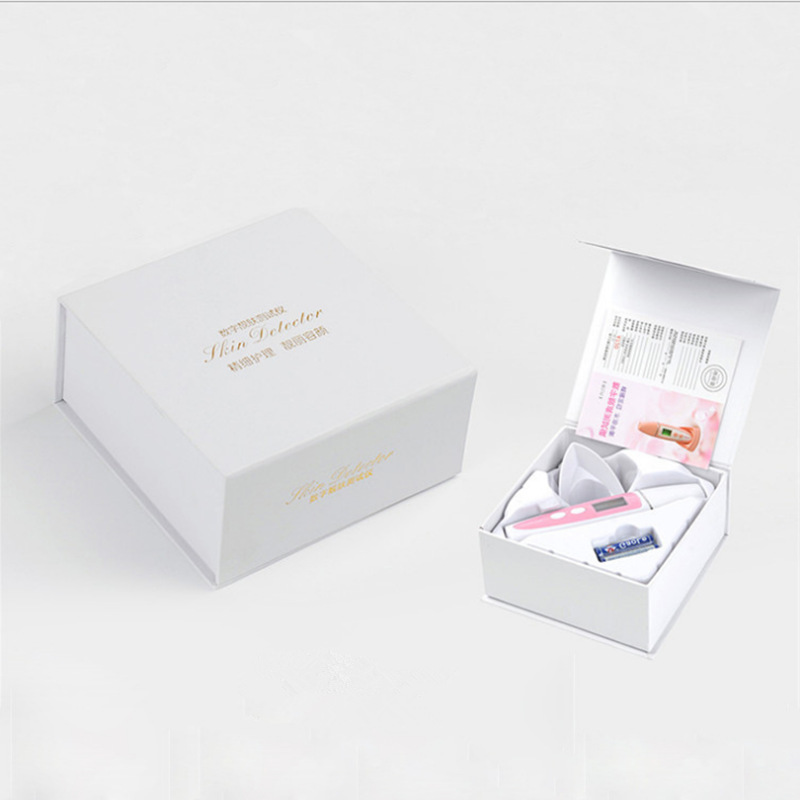
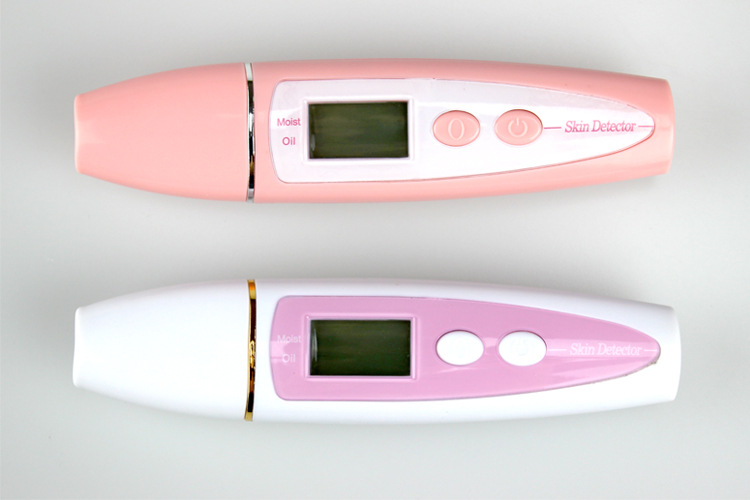
Product Name: the seventh generation moisture tester
Product Size: 147 * 35 * 27mm
Product Use: test skin water oil balance
Product Material: ABS
Power Supply Mode: battery (two batteries need to be prepared by themselves)
Applicable Objects: General
Shows skin moisture and oil elasticity
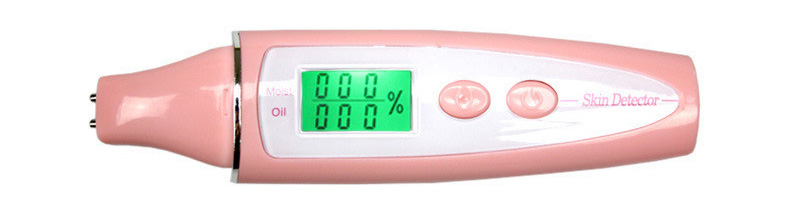
Before testing
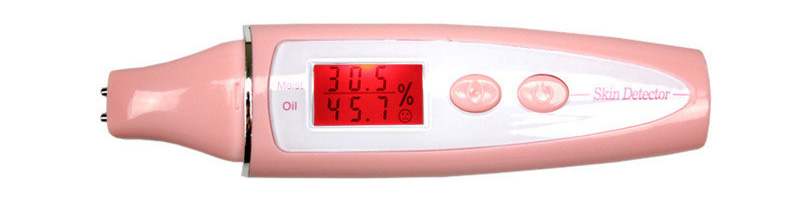
After the test (red alarm status is displayed for insufficient moisture)
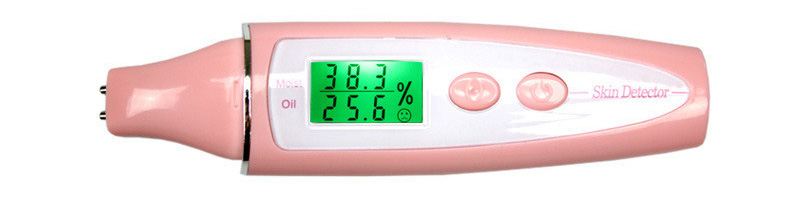
After the test (the water content is normally displayed in green)
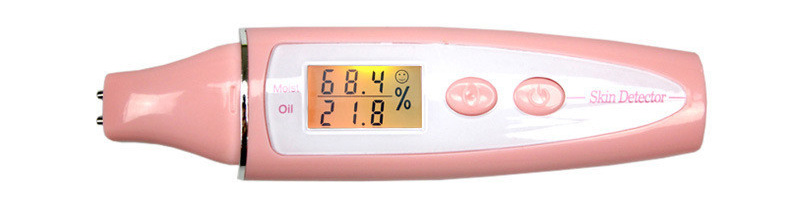
After test (skin water and oil reach saturation)
Usage Method
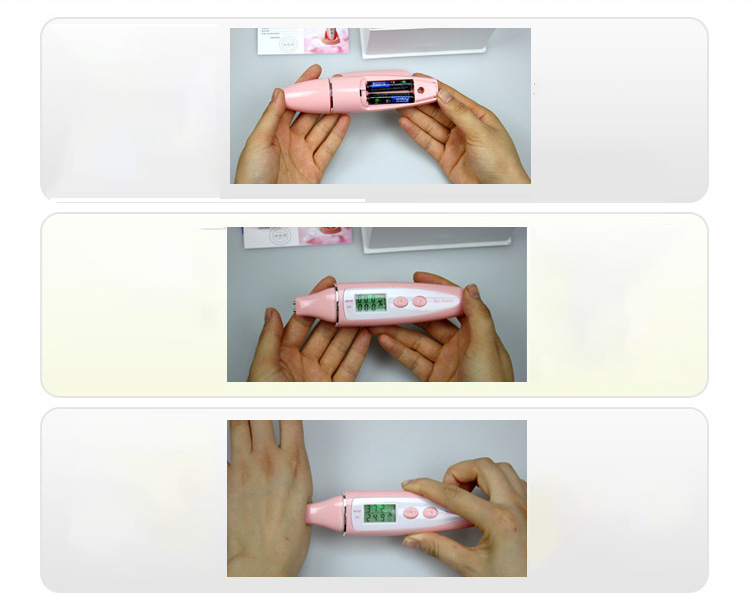
Step 1: Install two No. 7 batteries. Pay attention to the positive and negative poles!
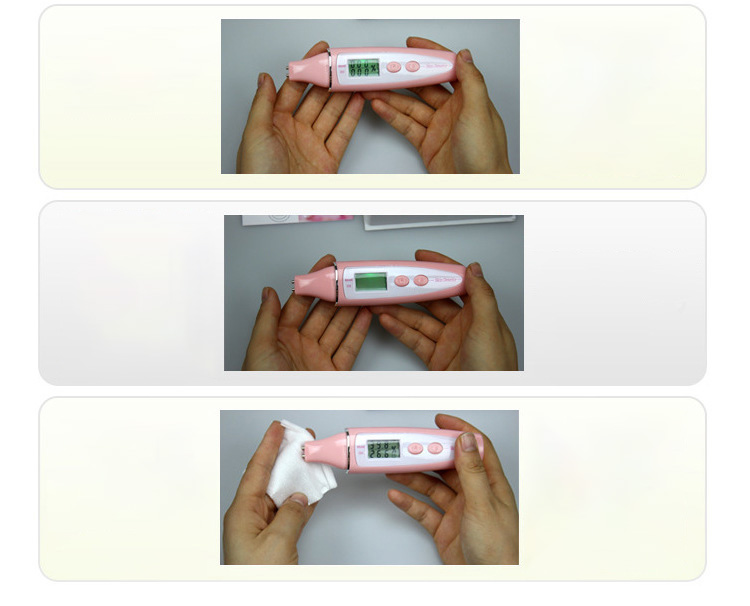
Step 2: Press the power on key on the right side, and pull out the probe protection cover at the same time. Note that the screen data is flashing at this time. Please do not touch the probe to the skin when the data is flashing.
Step 3: After the screen display is stable and you hear "tick" twice, please contact the probe with the skin to be tested, and take off the moisture test pen to read the data after you hear "tick" for 3-6 seconds. Note: ① Do not move the probe when it contacts the skin; 2 In order to measure accurate values, it is recommended that all probes be pressed in.
Step 4: If the second test is required, press the reset button on the left, and then repeat step 3 of step 2.
Step 5: If you need to check the memory function, please press and hold the power on key for 3 seconds under the power on state to enter the memory mode, and you can check and test three groups of memory data. To exit the memory mode, press the reset key.
Step 6: is cleaning and maintenance. If possible, please use a cotton pad, alcohol cotton or cotton cloth dipped in alcohol to disinfect and clean the probe, and then use a dry cotton cloth to dry the probe.


This is the cost to send an individual item and does not include premium or bulk sending options.
You can click the "Check" button to check the true delivery time of this shipping method.
PS: Each order from EU countries will have an additional tax of at least 3.5 US dollars.




Our App has not yet been launched on the Shopify app store.
Please click the link below and follow the instructions in the article to connect your store to EPROLO.
It only takes 1 minute to connect to your store.
How to build a custom app in your Shopify store and get the API token?
The access authorization is the same as when installing an App at the Shopify App Store.
The following API access scopes were detected missing, This will cause products and orders to be out of sync.
Please modify the API access scopes in your store